
Some of your Black Friday orders will be gifts, which means the person opening the box has never chosen your brand. A card written for the recipient, not the buyer, is one of the cheapest ways to turn that first impression into a new customer, and it can be added automatically as the order is packed.

When someone buys a gift on Black Friday, you've acquired a buyer. You haven't acquired the person who opens the box.
That recipient didn't choose your brand, may not have heard of it, and has no reason to come back unless the experience gives them one. The box, the packing and whatever's inside it are your entire first impression.
Most retention advice assumes the person who ordered is the person who uses the product. For gift orders, that's wrong, and it's an easy gap to close.
You can't write for recipients until you know which orders are gifts. Look for:
None of these is certain, so treat them as signals. The gift option on your product or cart page is the most reliable, and worth adding if you don't have it.

Must-Do Action:
Make sure gift orders are marked in your store and passed through to your logistics partner, so the right message and card go in the box. If you want prices left off the paperwork, ask whether your logistics partner can do that.
A recipient-first card doesn't need to be elaborate. It needs to do four things.
Worth-Trying Tactics:
Avoid leading with a big discount. A recipient with a code for 30% off is being sold to. A recipient with a note that helps them enjoy the product is being welcomed.
The usual objection to cards and inserts is the extra handling. It doesn't have to be manual.
At Zendbox, brands can add gift messaging and personalised prints that are created from the order data and printed at the pack bench as the order is packed, so there's nothing extra to pick. That makes a few things possible:
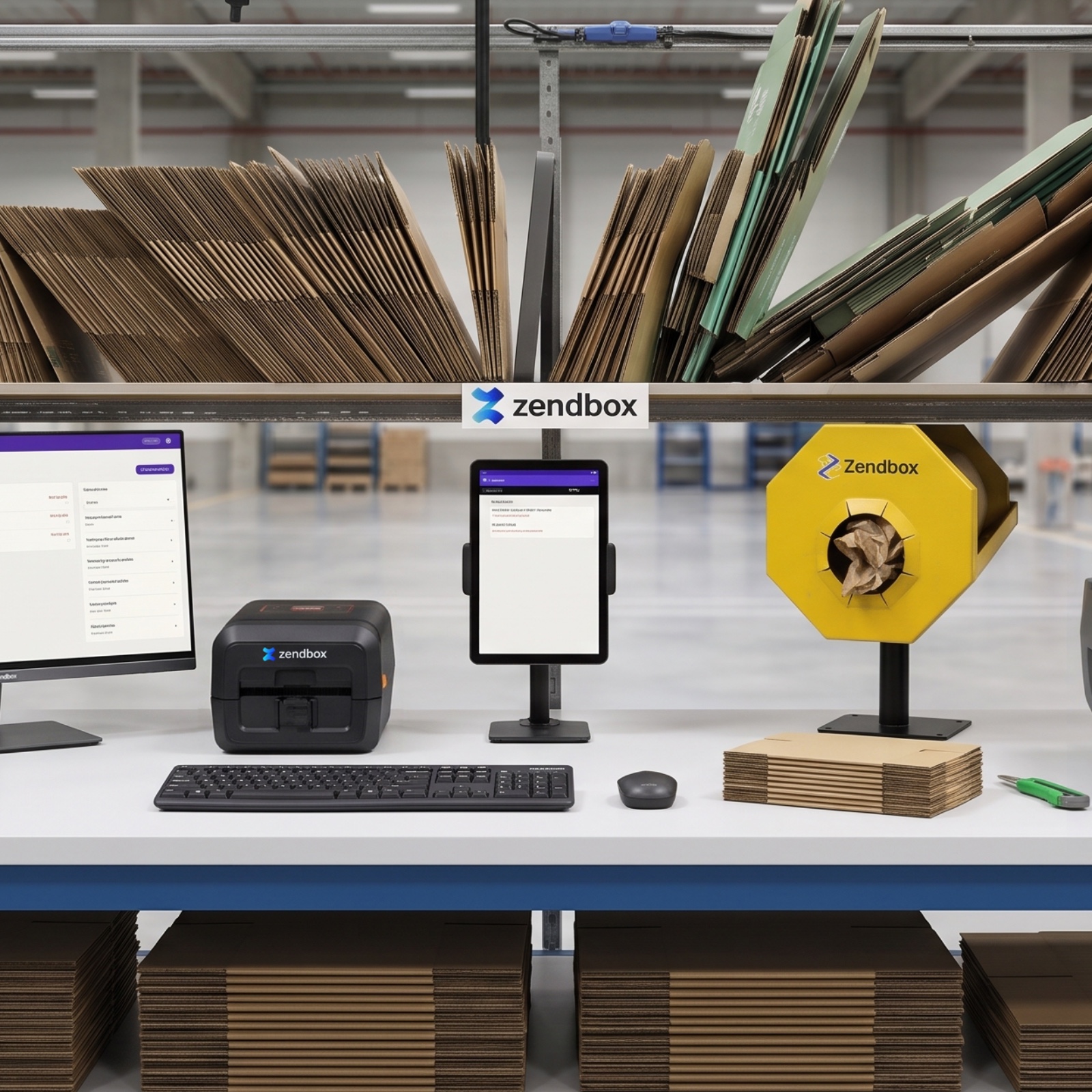
Maybe, but be realistic. Setting up a new card means designing it, agreeing it and getting it into the packing process, all while the warehouse is at its busiest.
If you're reading this before Christmas:
If it's too late, plan it for Valentine's Day or Mother's Day. The same principle applies, and you'll have time to do it properly. Our custom packaging page shows what else is possible.
Keep it simple. Track:
After a month you'll know whether it earns its place. If it does, extend it. If it doesn't, change the message before you drop the idea.

Look for a gift option at checkout, a delivery address that differs from the billing address, gift messages, and products that mostly sell as gifts. None is certain on its own, so a gift option on your product or cart page is the most reliable signal.
Yes, with the right set-up. At Zendbox, gift messages and personalised prints can be created from order data and printed at the pack bench as the order is packed, with rules to decide which orders get which card. Ask about set-up time before Christmas.
Keep it warm and short: acknowledge that someone chose it for them, explain how to get the most from the product, make exchanges easy, and give one reason to come back. Avoid leading with a heavy discount.
Possibly, if the card is simple and agreed in advance. Ask your logistics partner what can be added automatically and how long set-up takes, test with a small batch, and avoid changing your packaging at the busiest point. If it's too late, plan it for Valentine's Day or Mother's Day.
Track scans of the QR code on the card, first orders from recipients, gift exchanges and returns, and complaints. Review after a month and adjust the message before deciding whether to continue.
Zendbox ticks all the boxes for us. Every order is delivered on time, every time, which means, more happy and loyal customers for Ghost 👻

If you're looking for a logistics partner for your next peak, these are the numbers behind Zendbox's service.
Add a gift option on your product or cart page and make sure it reaches your logistics partner.
Say hello, help them use the product, make exchanges easy and give one reason to come back.
Find out what your logistics partner can print at the pack bench, agree the set-up time in writing, and run a small batch first.
Count scans, first orders and exchanges, then adjust the message after a month.